Need to open and edit a huge file?
Go to Ayame Editor →
ayame-diff Docs
ayame-diff
See what changed, even when files are huge. Compare text, CSV / TSV, folders, archives, and three-way changes.
Choose a comparison
Visual file comparison
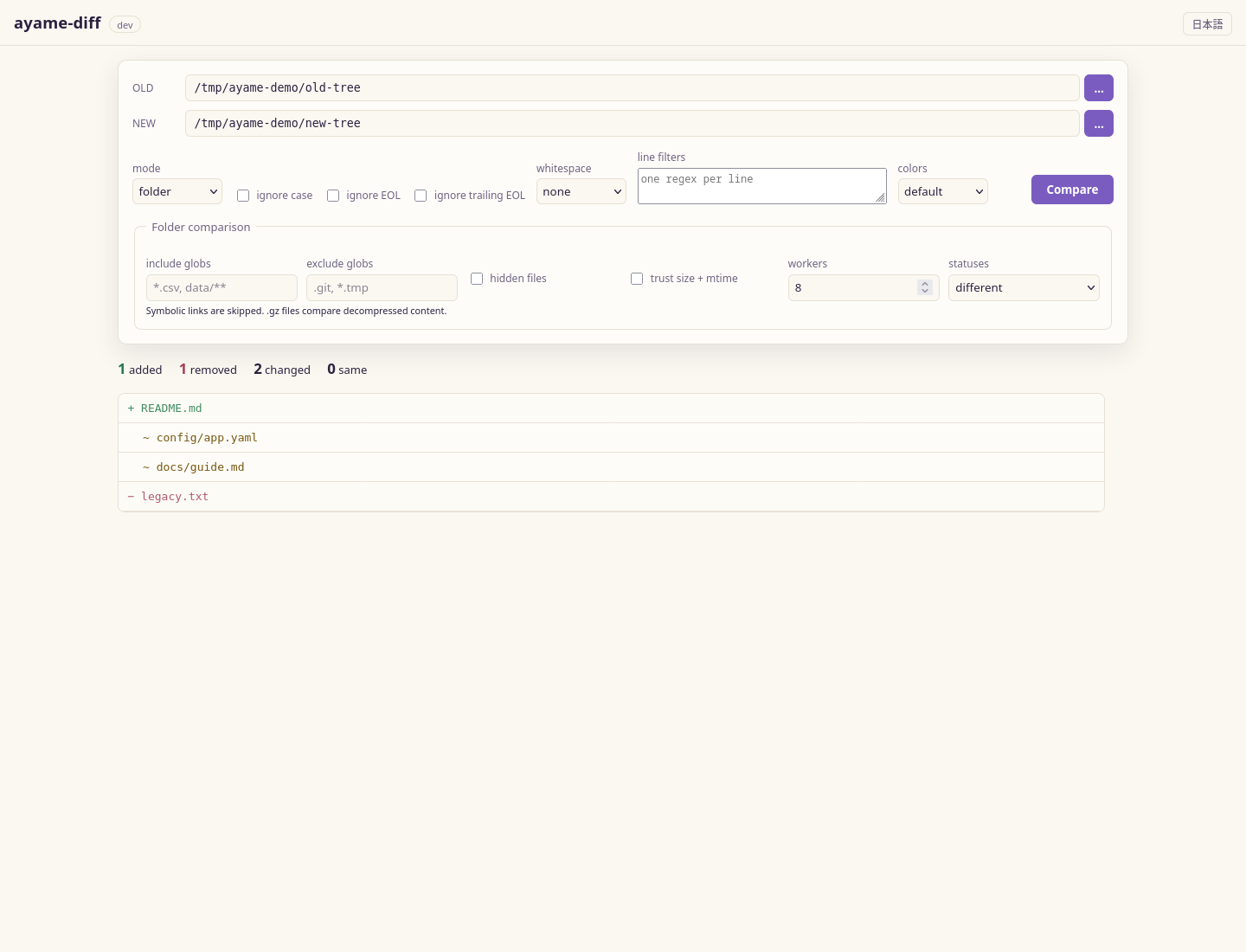
Pick two files in the local web UI, navigate each difference, and export a patch.
Text or structured data
Compare lines, sorted text, or CSV / TSV rows by key from the terminal.
Folders and archives
Compare directory trees, compressed inputs, or launch from your file manager.
Three-way merge
Review BASE / LEFT / RIGHT, resolve conflicts, and save a merged result.
Quick start
Install a binary for your OS from the latest release, then choose the shortest command for the job:
ayame-diff gui                              # choose files in the browser
ayame-diff text old.txt new.txt             # compare text
ayame-diff csv --left old.csv --right new.csv --key id --out diff.tsv
ayame-diff dir old-folder new-folder        # compare folder trees
Subcommands at a glance
ayame-diff csv    [flags] --left A --right B --out D   # CSV/TSV key comparison
ayame-diff text   [flags] LEFT RIGHT                      # line-oriented text diff
ayame-diff sorted [flags] LEFT RIGHT                      # sort both sides, then diff
ayame-diff dir    [flags] LEFT RIGHT                      # directory/archive comparison
ayame-diff bin    [flags] LEFT RIGHT                      # binary/hex comparison
ayame-diff 3way   [text|csv] [flags]                   # three-way comparison
ayame-diff serve  [--addr host:port]                   # local web UI
ayame-diff gui    [flags] [LEFT [RIGHT]]                  # open the web UI in a browser
ayame-diff update [--check]                            # check for or install the latest release
ayame-diff remove [--yes]                              # uninstall a standalone binary
ayame-diff shell-install                               # register file-manager integration
ayame-diff shell-uninstall                             # remove file-manager integration
ayame-diff shell-select PATH                           # Windows Explorer integration helper
Use Comparison options for whitespace, case, line filters, word highlights, and resync controls. For repeatable jobs, save the full setup as a comparison project.